How to post multiple Instagram stories at once from a PC
To post several Instagram stories at once from a PC, drag up to 10 photos and videos onto the Story tab of InstaDesk's Create panel on instagram.com and press Post all. They go up one after another in the order you chose, about 8 seconds apart, and each frame can carry its own link.
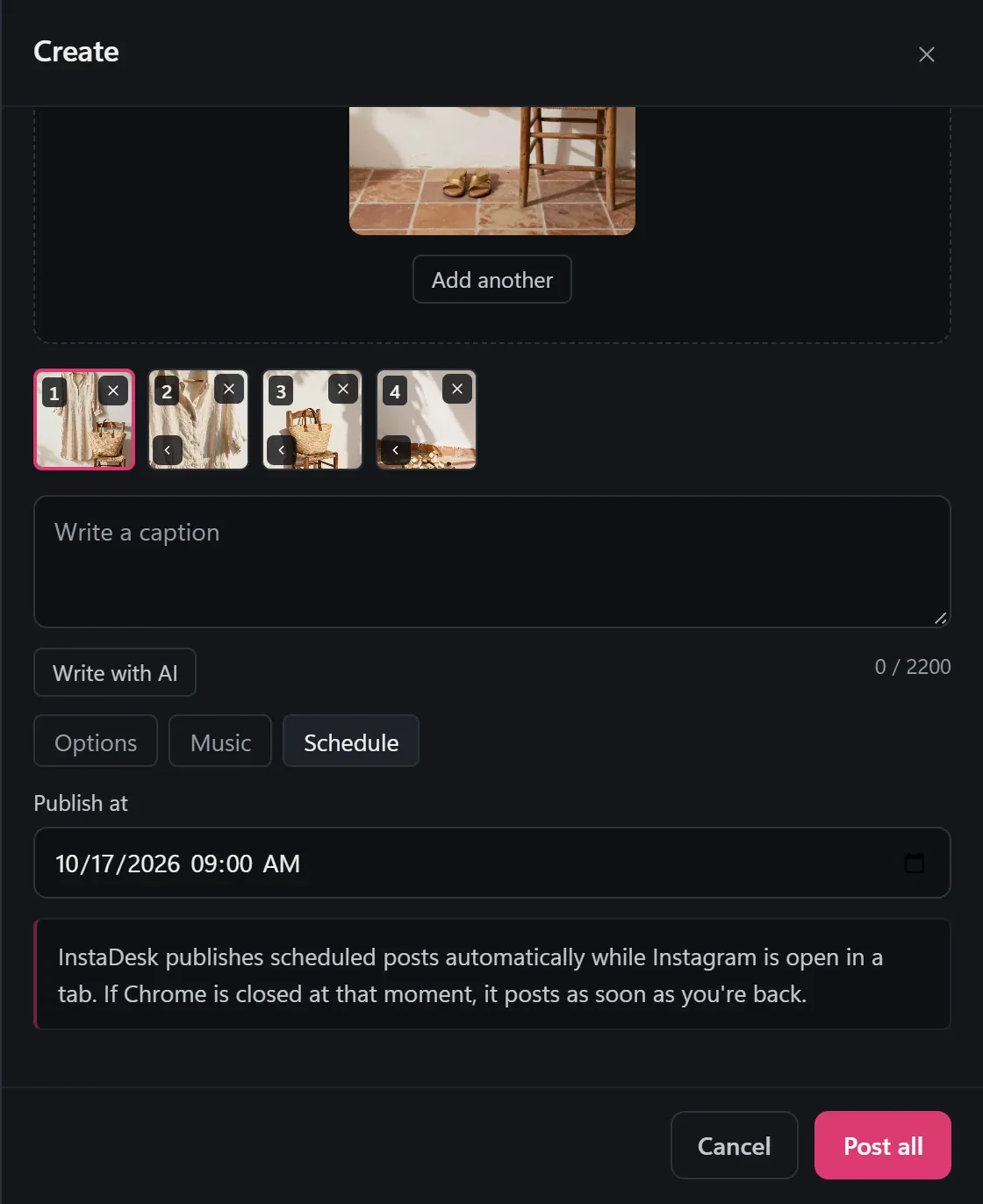
How do I post a story set with InstaDesk?
- Add InstaDesk to Chrome and open instagram.com. Refresh the tab if it was already open.
- Click the InstaDesk launcher, choose Post or reel, and open the Story tab.
- Drag in up to 10 photos and videos. Each video can be up to 60 seconds long.
- Put them in the order you want them seen.
- Give any frame its own link sticker and sticker words, if you want.
- Press Post all, or open the Schedule tab to send the whole set later.
- Keep the Instagram tab open until the last frame is up. If the tab reloads part way, the set picks up where it stopped and never posts a frame twice.
What can Instagram's own apps do?
Instagram's phone app lets you pick several photos or videos for your story in one go. On a computer it's less clear: current guides disagree on whether instagram.com's desktop site has a story button at all, so click Create in the left sidebar and look for Story. The story guide covers the other routes, including Meta Business Suite for professional accounts.
What are the limits?
- 10 frames per set. Post a second set for more.
- No song on a set. To add music, post that frame as a single story.
- No polls, quizzes or countdowns. Those stickers are for the phone app.
- Link stickers: new installs get 3 free tries, then links are part of Pro ($14.50 a month). Frames without a link or song don't use a try.
- Scheduling: on the free plan, each frame of a scheduled set counts as one of the 2 posts that can wait at a time.
- Any third-party tool can stop working when Instagram changes something, and we can't promise anything about how Instagram treats an account.
Before you post, our free story safe zone checker shows what Instagram's bars and reply box will cover on each frame.
Common questions
How many Instagram stories can I post at once from a PC?
Up to 10 in one InstaDesk story set. They go up one after another, about 8 seconds apart, in the order you chose.
Can each story in the set have its own link?
Yes. Each frame can carry its own link sticker and sticker words.
Can I add music to a story set?
No. A song goes on a single story, so post that frame on its own with its song.
Can I schedule several stories at once?
Yes. Use the Schedule tab instead of Post all and the whole set goes up at that time, while Instagram is open in a Chrome tab.