How to post an Instagram story from your PC
You can post an Instagram story from a PC with Meta Business Suite if your account is professional and connected to a Facebook Page, or with a Chrome extension such as InstaDesk on any account you're logged in to. A browser's mobile view also works for a quick photo, without stickers or music. Guides disagree on whether instagram.com's desktop site has its own story button, so check your Create menu first.
Which way of posting a story from a computer suits you?
| Method | Who it suits | Watch out for |
|---|---|---|
| Meta Business Suite | Business or creator accounts connected to a Facebook Page | No personal accounts; limited stickers |
| InstaDesk | Any account logged in to instagram.com in Chrome | No polls or quizzes; a story with a link or song uses a try on new installs |
| Browser mobile view | A one-off photo, nothing to install | No stickers or music, and it resets |
| A scheduler such as Metricool | People planning stories alongside other social accounts | A separate account and dashboard |
Can you post a story on instagram.com from a computer?
We can't give you one clean answer, because current sources conflict. Hopper's July 2026 guide says you can upload a story straight from instagram.com. INSSIST's guide, updated February 2026, says the web version doesn't support it. It may depend on your account. It takes ten seconds to check: click Create in the left sidebar. If Story is there, you can use it for a simple story.
How do I post a story with Meta Business Suite?
Meta lists creating and scheduling stories as a Business Suite feature, and it needs a business or creator account and a connected Facebook Page. The steps, from Hopper:
- Go to business.facebook.com and choose your business account.
- Choose Create story and tick Instagram under the platforms.
- Upload a 9:16 photo or video and add any text.
- Publish now or schedule it.
Storrito's comparison describes it as uploading pre-made content with limited stickers, so build your story first.
How do I post a story with InstaDesk?
InstaDesk is a Chrome extension that adds a Create panel to instagram.com. The video shows a story with a link, and the steps are the same without one.

- Add the extension to Chrome and open instagram.com. Refresh if the tab was already open.
- Click the InstaDesk launcher, choose Post or reel, and open the Story tab.
- Drag in a photo or a video of up to 60 seconds. Add up to 10 to post them in order, about 8 seconds apart.
- Under Options, choose Close friends only or Keep up for 48 hours if you want them.
- Add a link or a song if you like. A single story can take a song; a set can't.
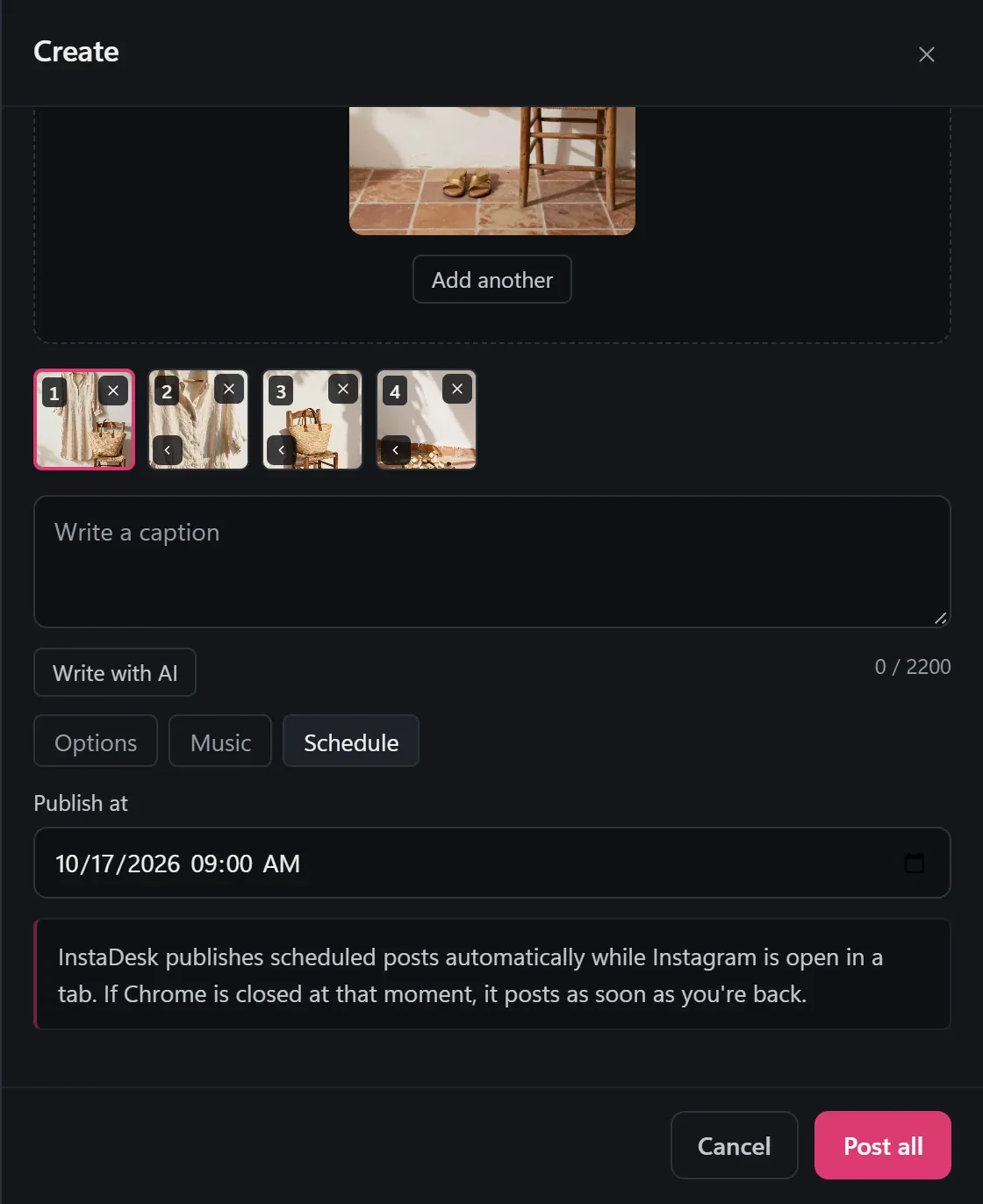
- Press Share, or use the Schedule tab to send it later.
You can also press Share to story right after posting to turn your post into a story card. Scheduled stories go up while Instagram is open in a tab. If Chrome is closed at that moment, they post when you're back.
How do I post a story using mobile view?
This needs no install and leaves out stickers and music. It's fine once, and fiddly as a routine.
- On instagram.com, press F12 to open Chrome's developer tools.
- Turn on the device toolbar (the phone icon) and refresh the page.
- Click + and upload your photo.
What can't you do when posting stories from a PC?
- InstaDesk has link and mention stickers, not polls, quizzes or countdowns. Those are for the phone app.
- A longer video needs trimming first: InstaDesk stops a story video over 60 seconds before anything uploads.
- New installs of InstaDesk 4.0.5 and later get 3 free link stories and 3 free songs, then those are Pro. A story with neither doesn't use a try. See the pricing section.
- On the free plan, 2 scheduled posts can wait at a time, and each frame of a story set counts as one.
- Any third-party tool can stop working when Instagram changes something, and we can't promise anything about how Instagram treats an account.
Common questions
Can I post an Instagram story from a laptop without a phone?
Yes. Meta Business Suite and Chrome extensions such as InstaDesk both post from a computer. Neither needs your phone.
Can I use Meta Business Suite with a personal account?
No. It needs a business or creator account connected to a Facebook Page.
Can I schedule an Instagram story from my computer?
Yes. Meta Business Suite can, and so can InstaDesk's Schedule tab, which needs Instagram open in a tab when the time comes.
Do stories need to be a certain size?
Tall 9:16 works everywhere. In InstaDesk, a photo with another shape is centered on a soft background made from its own colors when it carries a song.