How to post a landscape video on Instagram without cropping
To post a landscape video on Instagram without cropping, put it in a tall 9:16 frame with bars above and below, so nothing at the sides is cut off. With InstaDesk on instagram.com in Chrome, that's one switch on the Reel tab, Show the whole video, for videos of up to 3 minutes.
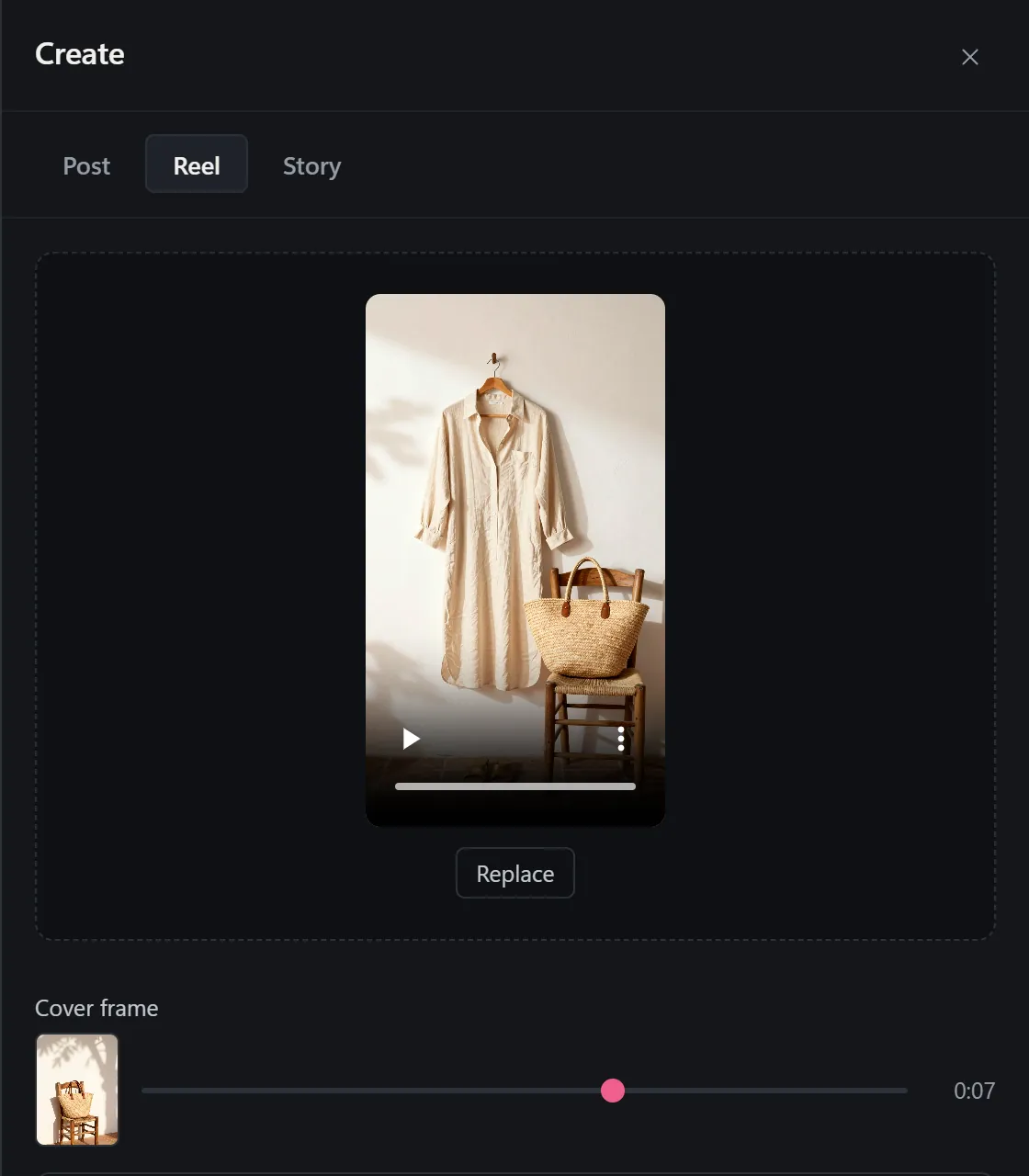
How do I post a wide video as a whole reel with InstaDesk?
- Add InstaDesk to Chrome and open instagram.com. Refresh the tab if it was already open.
- Click the InstaDesk launcher, choose Post or reel, then the Reel tab.
- Drag in your wide video. For a wide video, Show the whole video appears first on the tab.
- Turn it on and choose the Bars: Blurred or Black. The preview shows the result.
- Move the Cover frame slider to pick your cover, then write your caption.
- Press Share, or use Schedule to send it later. The video is redrawn before it posts, which takes about as long as it plays.
What can instagram.com do with a wide video?
instagram.com takes a wide video and has a crop step where you choose its shape. How a wide reel then looks in the full-screen Reels viewer and on your grid is up to Instagram, and it has changed over time. Putting the bars into the video itself is the dependable way to keep every edge in view, whichever route you post by.
What are the limits?
- Length: Show the whole video works on videos of up to 3 minutes. Longer ones go up as they are, because fitting them would take too long in the browser.
- File size: a very large file also goes up as it is, and InstaDesk says so on the switch.
- Price: posting a reel is free. A song from Add music uses one of 3 free tries on new installs, then songs are Pro ($14.50 a month).
- Reach: we don't know of any evidence that bars change how many people see a reel, and we can't promise anything about how Instagram treats an account.
Doing it without InstaDesk
Any video editor can do the same: make a 1080 x 1920 canvas, place your 16:9 video in the middle, and fill the space above and below with black or a blurred copy. Our free video checker reads your file's shape, size and length against Instagram's reel specs before you upload. For photos, the free image resizer fits a wide picture to 4:5, square or 9:16 without cutting it.
Common questions
Why does Instagram crop my landscape video?
Reels are made for a tall 9:16 screen, so a 16:9 video doesn't fill it. Depending on where it's shown, the sides can be cut off. Bars above and below keep the whole frame.
What size should a reel be?
1080 x 1920 pixels, 9:16. A 16:9 video placed in that frame fills the width with bars above and below.
Blurred or black bars?
Either works. Blurred bars are a soft copy of the video itself and feel fuller; black bars keep attention on the picture.
Can I fit a video longer than 3 minutes?
Not with InstaDesk's switch. Fit it in a video editor first, or trim it.