How to save Instagram drafts on your PC
To save an Instagram draft on a PC, build your post, reel, story or story set in InstaDesk's Create panel on instagram.com and press Save draft, which keeps it on your computer, files and all. Open it later from Drafts in the InstaDesk menu, finish it, and post or schedule it.
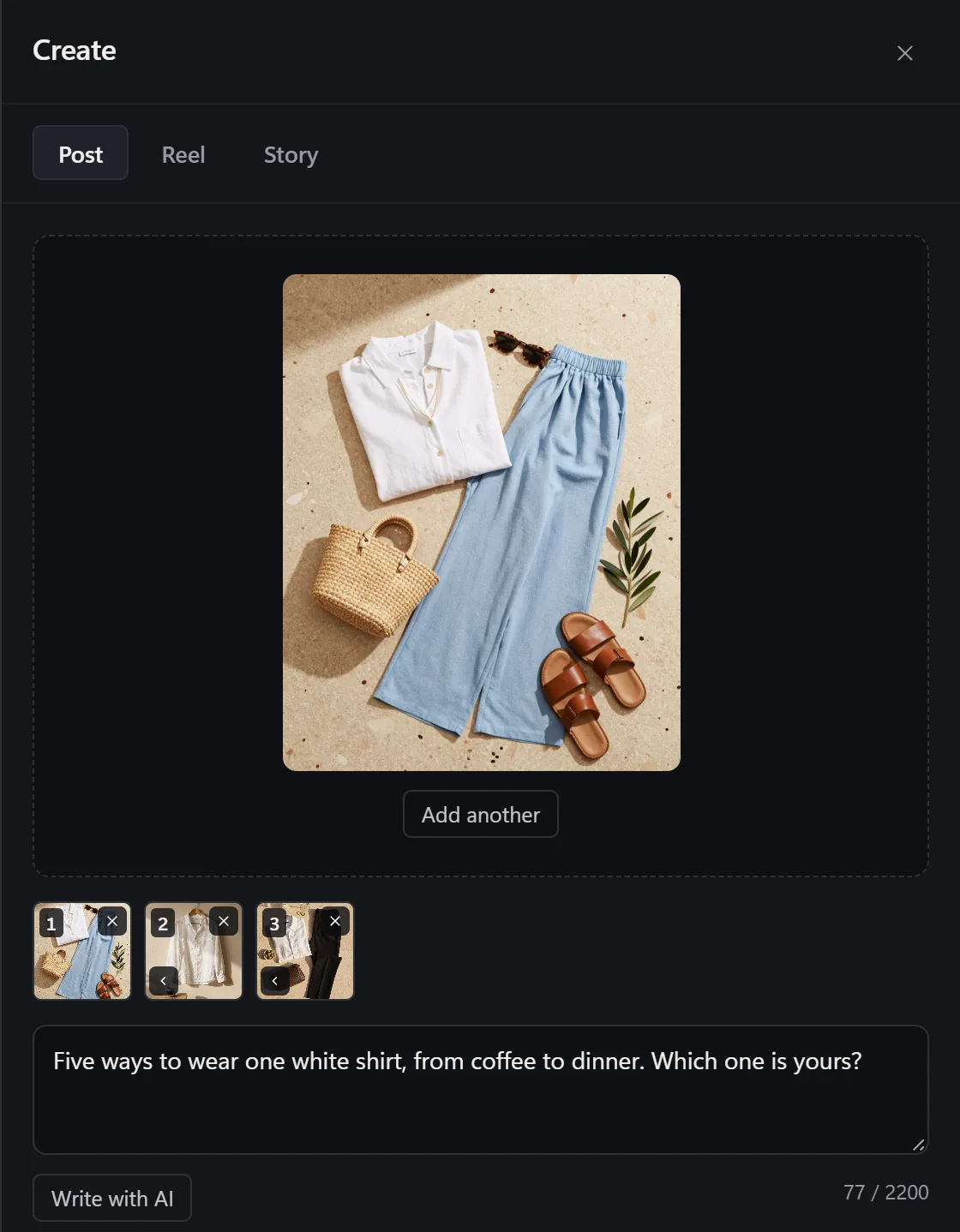
How do I save a draft with InstaDesk?
- Add InstaDesk to Chrome and open instagram.com. Refresh the tab if it was already open.
- Click the InstaDesk launcher, choose Post or reel, and pick the Post, Reel or Story tab.
- Add your photos or video, caption, tags and anything else, as far as you've got.
- Press Save draft, at the bottom of the panel beside Cancel.
- When you're ready, open InstaDesk's menu and choose Drafts, which shows how many are saved. They're also listed in Create's empty drop area.
- Open the draft, finish it, and press Share or schedule it. A draft you post or schedule comes off the list.
What can instagram.com do?
As far as we can tell, instagram.com's upload window has no save-as-draft option: closing it part way asks you to discard. Instagram's phone app keeps drafts, but they stay on that phone. Meta Business Suite has Save as Draft for professional accounts connected to a Facebook Page.
Where are InstaDesk's drafts kept?
In Chrome, on your computer: the whole post, files and all. Nothing is uploaded to a server, so a draft doesn't follow you to your phone or to another computer. If a story set you post from a draft stops part way, the draft keeps only the frames still to go.
What's free and what's Pro?
The free plan keeps 3 drafts at a time; post or delete one to make room. Pro, $14.50 a month, keeps as many as you like. Posting itself is free.
Common questions
Where are Instagram drafts on a PC?
instagram.com doesn't keep drafts as far as we can tell. With InstaDesk, they're under Drafts in its menu on instagram.com, stored in Chrome on that computer.
Do InstaDesk drafts sync to my phone?
No. They stay on the computer you saved them on and never go to a server.
Can I save a story as a draft?
Yes. Stories and whole story sets can be saved, as well as posts, carousels and reels.
How many drafts can I keep for free?
3 at a time. Pro keeps any number.